Teachmint vs ViewSonic: Choosing the Right Interactive Panel for Classrooms
- Subha
- Oct 29, 2025
- 3 min read
Smart Classrooms Need Smarter Tools
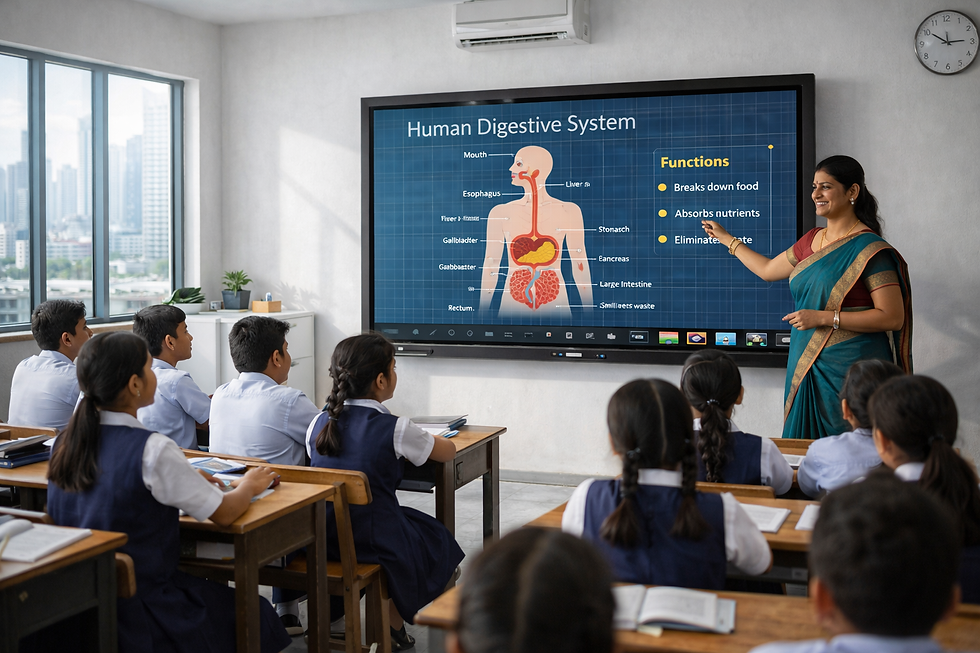
Digital transformation in education has made interactive flat panels (IFPs) the centerpiece of modern classrooms. Schools, colleges, and training institutes are no longer relying on projectors and markers; they’re upgrading to panels that combine touch interactivity, AI tools, and connectivity for a seamless learning experience.
Two strong contenders in this category are Teachmint X and ViewSonic. Both deliver dependable performance, but their focus areas differ. Teachmint is designed exclusively for education, offering built-in AI and classroom tools, while ViewSonic emphasizes display quality and collaboration features.
Brand Approach and Focus
Teachmint X was built specifically for education. Every feature from AI assistance to classroom workflows is designed to simplify teaching and improve learning outcomes.
ViewSonic, on the other hand, is a global technology leader known for its premium displays. While it has made strides in education, its panels are still more hardware-focused, prioritizing collaboration and screen-sharing over classroom management tools.
Detailed Comparison
Hardware & Performance
Teachmint X comes with an Interactive Flat Panel with inbuilt CPU (Octa-Core, 8GB RAM, 128GB storage), eliminating the need for external PCs and offering smooth, lag-free performance.
ViewSonic ViewBoard panels are display-first devices; for heavy multitasking or AI-based functions, additional processors or systems are often needed.
Display & Eye Safety
Teachmint X offers a 4K UHD Display with a Blue Light Filter, ensuring sharp visuals and long-term eye comfort.
ViewSonic is known for its anti-glare and flicker-free display technology, delivering great clarity in all lighting conditions and maintaining its reputation as a visual-performance leader.
Software & Teaching Ecosystem
Teachmint X integrates AI-powered EduAI Assistant that generates quizzes, lesson plans, and homework automatically. Its Connected Classroom App lets teachers manage attendance, study materials, and assessments seamlessly.
ViewSonic uses the myViewBoard Suite, which supports annotation, screen sharing, and multimedia lessons but requires third-party platforms for teaching and classroom management.
Hybrid & Remote Teaching Capability
Teachmint X includes a built-in camera and microphone, making it ready for hybrid or remote classes out of the box.
ViewSonic ViewBoards support hybrid learning but often need external cameras and additional configuration to achieve similar functionality.
Support, Maintenance & Cost of Ownership
Teachmint X is backed by a 3-year on-site warranty, a 15-day replacement policy, and dedicated education support to minimize downtime in classrooms.
ViewSonic provides a strong global service network, but education-specific support may vary by region or authorized partners.
Why Teachmint X Should Be the First Choice for Schools
All-in-One Smart Classroom Solution
With its inbuilt CPU, AI tools, and Connected Classroom App, Teachmint X eliminates the need for multiple devices or complex setups.
Designed Exclusively for Education
Teachmint X was developed for teachers and students, not adapted from corporate tools. Its features are tested in real classrooms for reliability and ease of use.
Future-Ready and Scalable
As hybrid learning grows, Teachmint X continues to evolve — offering AI updates, enhanced content creation, and secure cloud integration, making it ideal for long-term use in schools.
Conclusion
While ViewSonic delivers excellent display technology and collaboration tools, it remains a display-first solution.
For schools that want to go beyond visuals and create a truly smart, connected classroom, Teachmint X Interactive Flat Panel with inbuilt CPU stands out as the better choice. With AI-powered tools, integrated software, and a teacher-first design, it’s more than a display — it’s a complete ecosystem built to redefine education in 2025 and beyond.