Best Interactive Flat Panels with AI Features
- Subha
- Nov 25, 2025
- 2 min read
How AI Is Transforming Classroom Teaching
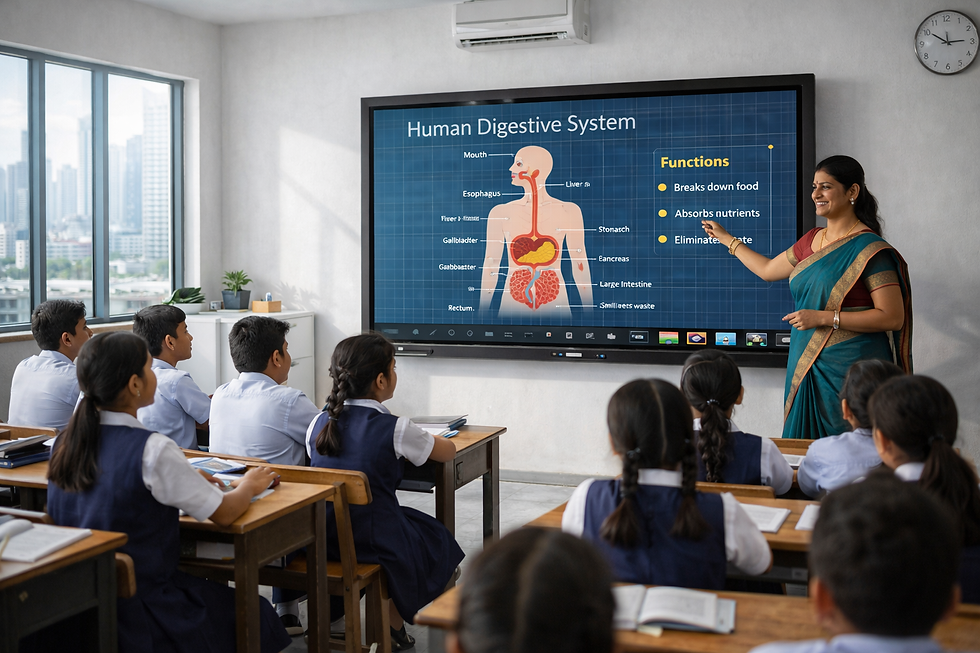
In today’s education ecosystem, interactive flat panels do far more than just show slides. The rise of artificial intelligence (AI) has transformed them into active teaching assistants—helping educators create content faster, engage students more meaningfully, and manage hybrid classes with ease. When panels include AI-powered tools, they raise the teaching impact, reduce preparation time, and support smarter learning.
Top Choice: Teachmint X Interactive Flat Panel with inbuilt CPU
The Teachmint X Interactive Flat Panel with inbuilt CPU leads when it comes to AI-powered classroom teaching. Built specifically for educators, this panel offers features designed around how teachers teach and students learn.
Standout AI Features Include
EduAI teaching assistant that automatically generates lesson plans, quizzes, interactive questions, and homework tasks.
Connected Classroom App Manages study materials, assessments, attendance, and lesson flow in one place.
Inbuilt CPU (Octa-Core, 8GB RAM, 128GB storage) to run AI tools, apps, and multitasking without needing external devices.
Built-in camera & microphone designed for teaching, including live, interaction-rich sessions and recordings.
Google EDLA certification ensuring secure access, regular updates, and broad compatibility for schools.
For educators who want panels with serious AI support not just good display Teachmint X offers one of the most comprehensive solutions available.
Other Panels with AI-Assisted Teaching Features
ViewSonic ViewBoard: Offers handwriting recognition, content suggestions and multi-device connectivity to support blended learning.
Promethean ActivPanel: Includes interactive tools that adapt to student responses and provide immediate feedback in class settings.
Samsung Flip: While primarily known for hardware, it now incorporates smart writing conversion, content formatting, and teacher-friendly enhancements.
BenQ Interactive Panels: Focus on wellness and usability, pairing smart annotations with features like eye-care technology for sustained sessions.
What to Look for in an AI-Enabled Panel
When selecting a panel with AI features, institutions should prioritise:
Tools that automate lesson tasks (creation, revision, quizzes)
Interfaces designed for teachers—not just display menus
Hybrid and remote teaching support is built into the panel
Smooth processing and hardware capable of running AI workflows
Secure and update-ready systems suitable for school deployment
AI-enabled interactive flat panels mark the next evolution in classroom technology. Among the available options, Teachmint X Interactive Flat Panel with inbuilt CPU stands out thanks to its strong focus on teaching, built-in AI tools, and hardware designed to match classroom demands. If you’re looking for a digital board with serious AI support, this is one of the best in its class.